Back to integrations
Connect Fiwano with 1000+ apps and services
Unlock the full potential of Fiwano and n8n’s automation platform by connecting Fiwano’s capabilities with over 1,000 apps, data sources, services, and n8n’s built-in AI features.
Need something that’s not covered yet?
Use n8n’s pre-authenticated HTTP Request node to create new connections, giving you the flexibility to build powerful automations on any stack.


Created by
Fiwano
Last update
4 hours ago
Fiwano integration
is built and maintained by our partners at Fiwano and verified by n8n. That means it’s solid, safe, and ready to help you tap into some great capabilities.
About Fiwano
Fiwano lets you add official WhatsApp, Instagram DM, and Facebook Messenger messaging to n8n workflows without Meta developer setup. Built on Meta’s official APIs, not browser automations, it helps AI agents, CRMs, and helpdesks send, receive, and route messages safely at scale.
Related categories

What can you build with Fiwano?
Delete
Deactivate and remove a channel
Exchange OAuth Code
Exchange a one-time code from the OAuth redirect for channel data
Generate OAuth URL
Generate a Facebook Login URL to connect a new channel (valid 10 min)
Get
Retrieve details of a specific channel
Get Many
Retrieve all connected channels
Update Webhook
Update the webhook URL and/or secret for a channel
Get Profile
Fetch sender profile from Meta (Instagram & Facebook only)
Download
Download a media file received via webhook. Files expire after 60 minutes.
Send Media
Send an image, audio, video, or document via URL. Requires a Media license.
Send Template
Send an approved WhatsApp template (required outside the 24h window)
Send Text
Send a plain text message through any channel type
Add
Register an allowed OAuth redirect URI
Delete
Remove an allowed redirect URI
Get Many
List all allowed OAuth redirect URIs for your API key
Create
Create a new WhatsApp message template (submitted to Meta for review)
Delete
Delete a WhatsApp message template
Get
Get details of a specific WhatsApp template
Get Many
List WhatsApp templates for a channel
Update
Update an existing WhatsApp template (re-submitted for review)
How to install Fiwano and use it in your n8n workflows
Verified nodes need a quick setup by an instance owner first, but after that, everyone on the instance can start using them in their workflows. Learn more here.
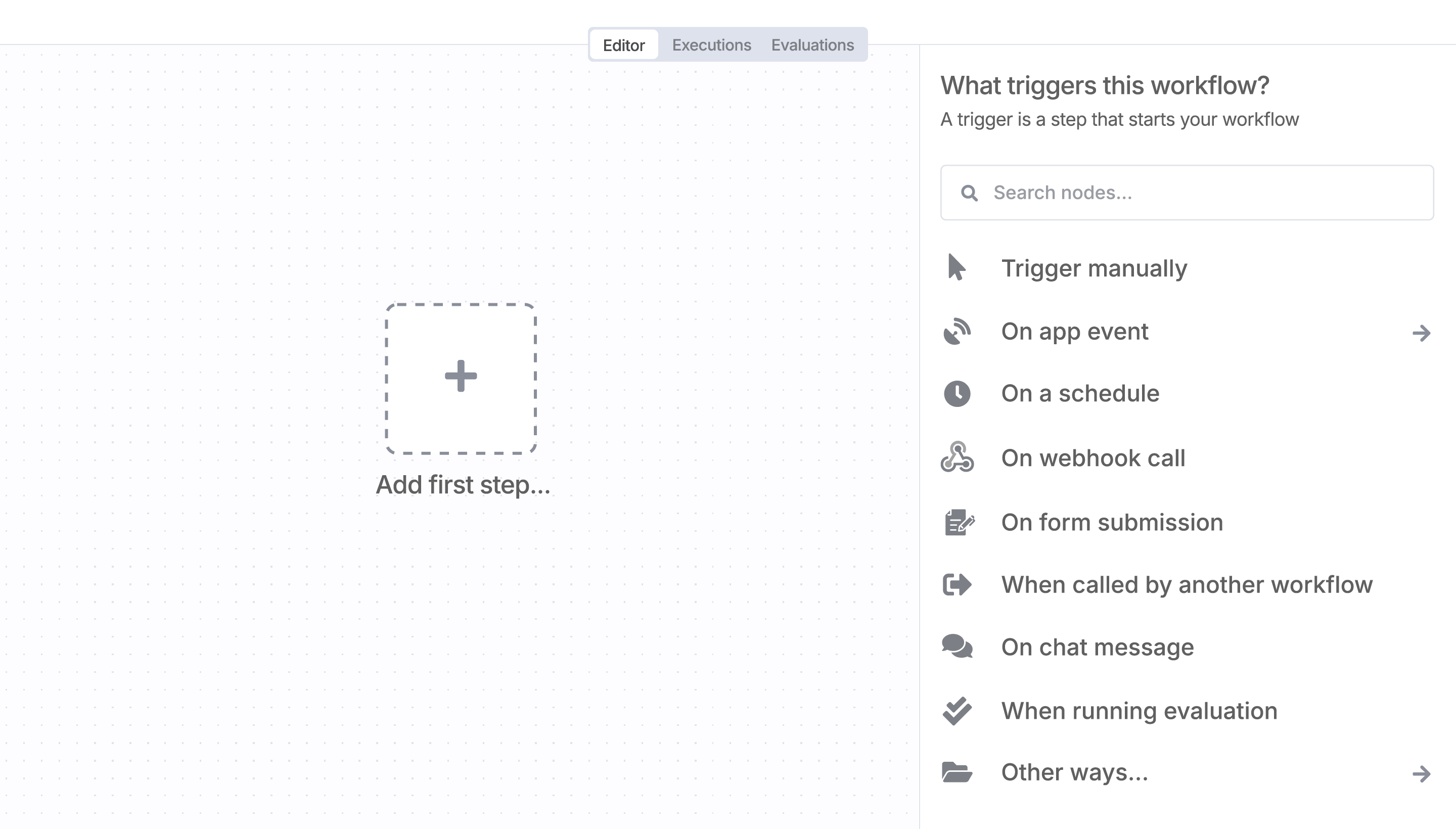
Sign in to n8n, open the editor, and click + in the top right to open the Nodes panel
Resources for Fiwano
A widely adopted workflow orchestration workspace trusted by technical teams including





