Back to integrations
Google Calendar and Ritekit connection
Save yourself the work of writing custom integrations for Google Calendar and Ritekit and use n8n instead. Build adaptable and scalable Productivity, workflows that work with your technology stack. All within a building experience you will love.






Ways to connect Google Calendar and Ritekit
Create a new workflow and add the first step
In n8n, click the "Add workflow" button in the Workflows tab to create a new workflow. Add the starting point – a trigger on when your workflow should run: an app event, a schedule, a webhook call, another workflow, an AI chat, or a manual trigger. Sometimes, the HTTP Request node might already serve as your starting point.

Popular ways to use the Google Calendar and Ritekit connection
Smart email responder workflow using AI
Explore n8n nodes in a visual reference library
Automatic reminders for follow-ups with AI and human in the loop Gmail
Automate restaurant marketing & booking with Excel, VAPI voice agent & calendar
Sync Google Calendar tasks to Trello every day
2-way sync Notion and Google Calendar
Create your own Google Calendar and Ritekit connection
Create custom Google Calendar + Ritekit automations by choosing triggers and actions. Nodes come with global operations and settings, as well as app-specific parameters that can be configured. You can also use the HTTP Request node to query data from any app or service with a REST API.
Google Calendar supported actions
Availability
If a time-slot is available in a calendar
Create
Add a event to calendar
Delete
Delete an event
Get
Retrieve an event
Get Many
Retrieve many events from a calendar
Update
Update an event
Supported methods for Ritekit
Delete
Get
Head
Options
Patch
Post
Put
To set up Ritekit integration, add the HTTP Request node to your workflow canvas and authenticate it using a generic authentication method. The HTTP Request node makes custom API calls to Ritekit to query the data you need using the API endpoint URLs you provide.
See the example hereRequires additional credentials set up
Use n8n's HTTP Request node with a predefined or generic credential type to make custom API calls.
Google Calendar and Ritekit connection details
Google Calendar
Google Calendar is a time-management and calendar service created by Google Workspace. It helps you schedule and organize events and meetings, send notifications, and synchronize with your team. It is widely used by both individuals and organizations.
Related categories
Other integrations with Google Calendar



Google Calendar and Ritekit connection guides

15 Google apps you can combine and automate to increase productivity
Learn how to combine and automate popular Google apps for more productivity in the workplace.
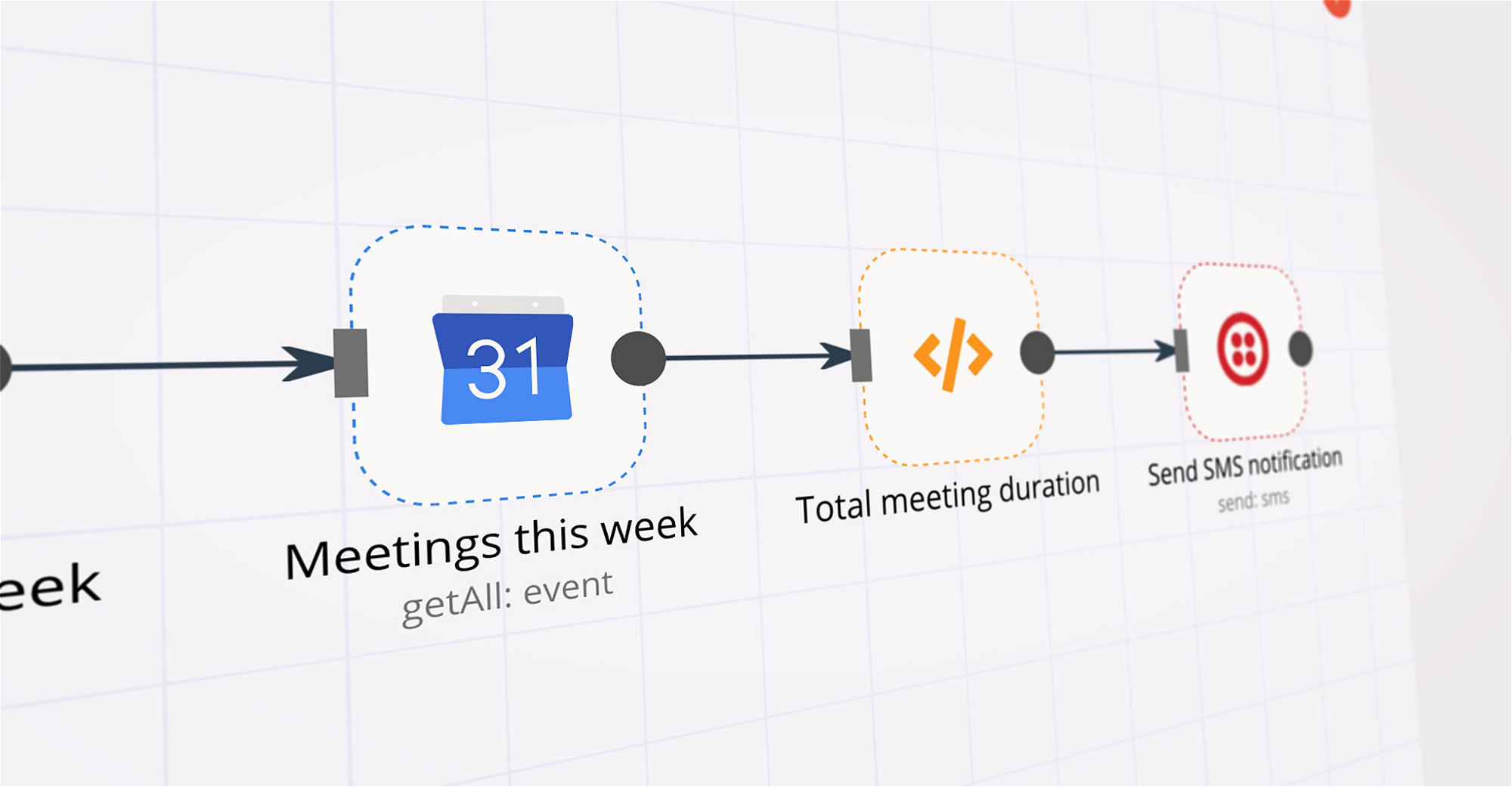
Tracking time spent in meetings with Google Calendar, Twilio, and n8n
Learn about automating the process of calculating your meeting time every week to give you a better idea on how your week is spent.
FAQs
FAQ
Can Google Calendar work together with Ritekit in n8n Lab?
Can I use Google Calendar’s API with n8n Lab?
Can I use Ritekit’s API with n8n Lab?
Is n8n Lab a secure option for connecting Google Calendar with Ritekit?
How do I start building Google Calendar + Ritekit automation in n8n Lab?
Need help setting up your Google Calendar and Ritekit connection?
Discover our latest community's recommendations and join the discussions about Google Calendar and Ritekit connection.

A widely adopted workflow orchestration workspace trusted by technical teams including





Why use n8n to connect Google Calendar with Ritekit
Build complex workflows, really fast
