Back to integrations
Connect LiteSOC with 1000+ apps and services
Unlock the full potential of LiteSOC and n8n’s automation platform by connecting Litesoc Sdn Bhd’s capabilities with over 1,000 apps, data sources, services, and n8n’s built-in AI features.
Need something that’s not covered yet?
Use n8n’s pre-authenticated HTTP Request node to create new connections, giving you the flexibility to build powerful automations on any stack.


Created by
Litesoc Sdn Bhd
Last update
9 hours ago
LiteSOC integration
is built and maintained by our partners at Litesoc Sdn Bhd and verified by n8n. That means it’s solid, safe, and ready to help you tap into some great capabilities.
About LiteSOC
LiteSOC is a cloud-based Security Operations Center (SOC) platform for applications and web, designed specifically for startups and developers who want to monitor and detect security threats in real time without building their own security team, turning ordinary logs into meaningful, actionable security insights.
By making enterprise-grade security accessible and simple to implement, LiteSOC helps founders protect users, build trust, and scale securely without the burden of legacy security infrastructure.
Related categories

What can you build with LiteSOC?
Get
Get a specific alert. Returns: id (UUID), alert_type, severity (critical/high/medium/low), status, title, description, source_ip, actor_id, trigger_event_id (UUID of triggering event), forensics (network/location data for Pro+ tiers, null for Free), created_at, updated_at, metadata. Severity is auto-assigned by LiteSOC.
Get Many
Get many alerts. Each alert includes: id (UUID), trigger_event_id (UUID of triggering event), forensics object (network: is_vpn, is_tor, is_proxy, is_datacenter, asn, threat_score; location: city, country_code, region, latitude, longitude, timezone) for Pro+ tiers. Severity (critical/high/medium/low) is auto-assigned by LiteSOC.
Resolve
Mark an alert as resolved
Mark Safe
Mark an alert as safe (false positive)
Create
Track a security event. Note: Severity is automatically assigned by LiteSOC based on the event type and cannot be set manually.
Get
Fetches details of a single event. Returns: id (UUID), event_name, severity (critical/warning/info), actor_id, ip_address, trigger_event_id, forensics object (network: is_vpn, is_tor, is_proxy, is_datacenter, asn, threat_score; location: city, country_code, region, latitude, longitude, timezone) for Pro+ tiers (null for Free tier), metadata, created_at. Severity is auto-assigned by LiteSOC. Note: Free tier users can only fetch events from the last 7 days.
Get Many
Get many security events. Each event includes: id (UUID), trigger_event_id, forensics object (network/location data for Pro+ tiers, null for Free tier), severity (critical/warning/info) auto-assigned by LiteSOC based on event type, enabling easy filtering in IF/Switch nodes.
How to install LiteSOC and use it in your n8n workflows
Verified nodes need a quick setup by an instance owner first, but after that, everyone on the instance can start using them in their workflows. Learn more here.
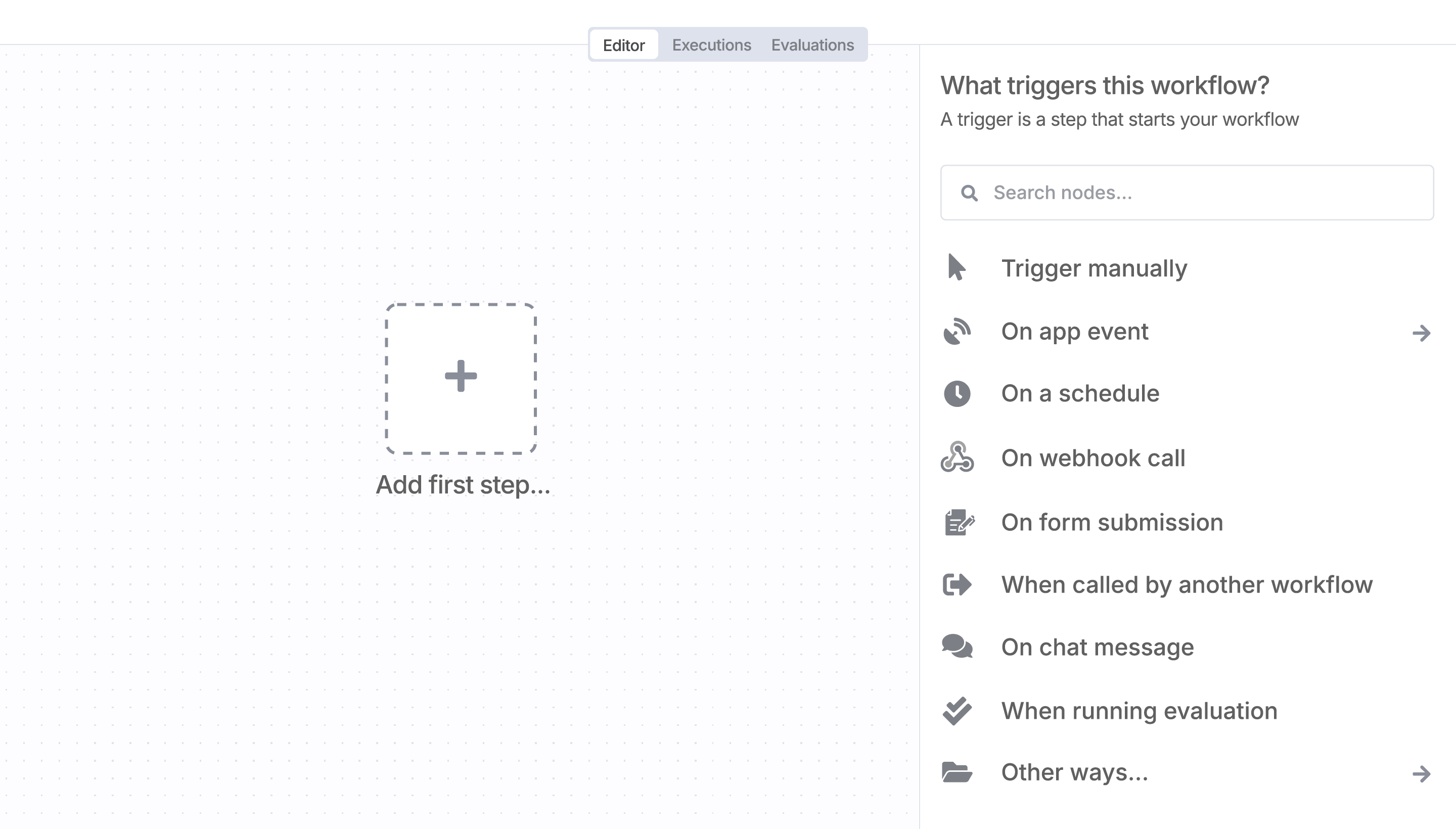
Sign in to n8n, open the editor, and click + in the top right to open the Nodes panel
Resources for LiteSOC
A widely adopted workflow orchestration workspace trusted by technical teams including





