Back to integrations
Microsoft SQL and Telegram connection
Save yourself the work of writing custom integrations for Microsoft SQL and Telegram and use n8n instead. Build adaptable and scalable Development, Data & Storage, workflows that work with your technology stack. All within a building experience you will love.




Ways to connect Microsoft SQL and Telegram
Create a new workflow and add the first step
In n8n, click the "Add workflow" button in the Workflows tab to create a new workflow. Add the starting point – a trigger on when your workflow should run: an app event, a schedule, a webhook call, another workflow, an AI chat, or a manual trigger. Sometimes, the HTTP Request node might already serve as your starting point.

Create your own Microsoft SQL and Telegram connection
Create custom Microsoft SQL + Telegram automations by choosing triggers and actions. Nodes come with global operations and settings, as well as app-specific parameters that can be configured. You can also use the HTTP Request node to query data from any app or service with a REST API.
Microsoft SQL supported actions
Execute Query
Execute an SQL query
Insert
Insert rows in database
Update
Update rows in database
Delete
Delete rows in database
Telegram supported actions
Get
Get up to date information about a chat
Get Administrators
Get the Administrators of a chat
Get Member
Get the member of a chat
Leave
Leave a group, supergroup or channel
Set Description
Set the description of a chat
Set Title
Set the title of a chat
Answer Query
Send answer to callback query sent from inline keyboard
Answer Inline Query
Send answer to callback query sent from inline bot
Get
Get a file
Delete Chat Message
Delete a chat message
Edit Message Text
Edit a text message
Pin Chat Message
Pin a chat message
Send Animation
Send an animated file
Send Audio
Send a audio file
Send Chat Action
Send a chat action
Send Document
Send a document
Send Location
Send a location
Send Media Group
Send group of photos or videos to album
Send Message
Send a text message
Send and Wait for Response
Send a message and wait for response
Send Photo
Send a photo
Send Sticker
Send a sticker
Send Video
Send a video
Unpin Chat Message
Unpin a chat message
Microsoft SQL and Telegram connection details
Other integrations with Microsoft SQL


Other integrations with Telegram

Microsoft SQL and Telegram connection guides

How to create an AI bot in Telegram
Learn how to create an AI chatbot for Telegram with our easy-to-follow guide. Ideal for users who are interested in exploring the realm of bot development without coding.
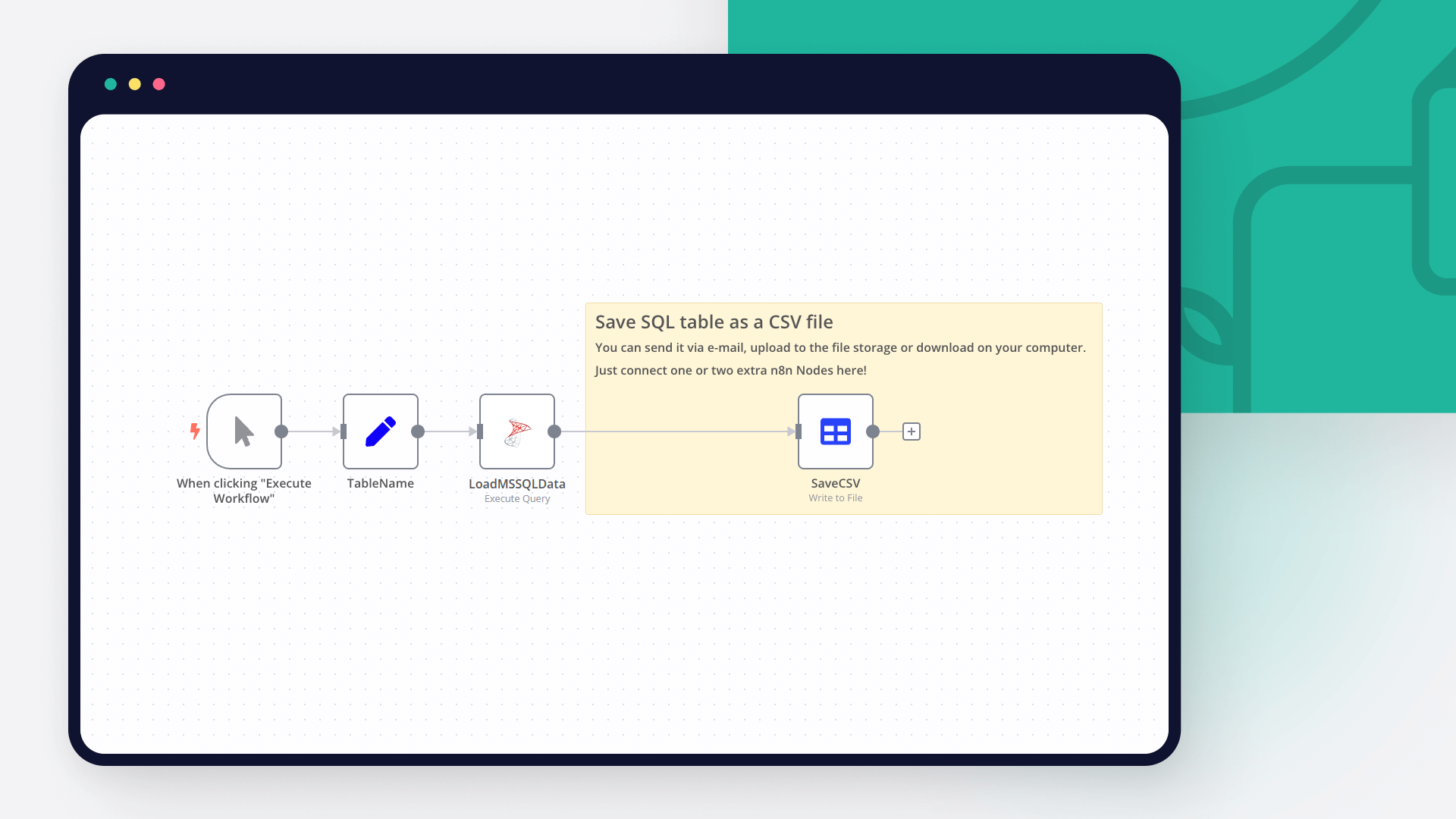
Export data from SQL database to CSV: 3 nifty techniques
Export your SQL data into CSV with 3 nifty techniques: using SQL Server Management Studio, sqlcmd command line utility and n8n automation tool.

How to build a multilingual Telegram bot with low code
Learn how to build a multilingual bot for Telegram with a few lines of JavaScript code, a NocoDB database, and conditional logic in an automated workflow.

Create a toxic language detector for Telegram in 4 steps
Leverage the power of automation and machine learning to enable kinder online discussions.

6 e-commerce workflows to power up your Shopify store
Want to power up your online business and win back time? Discover how no-code workflow orchestration can help!
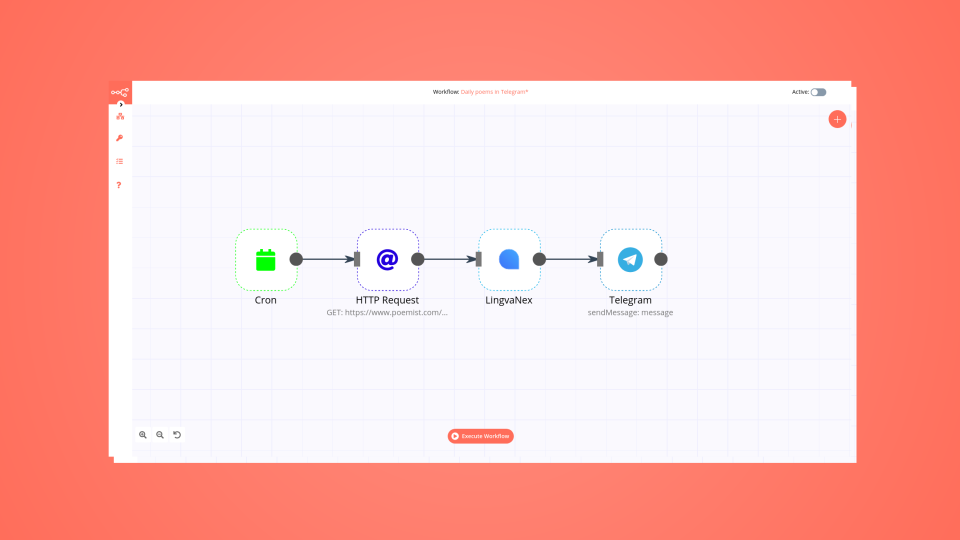
How to automate your reading habit just in time for World Poetry Day
Learn how to create a no-code workflow that gets international poems, translates them into one language, and sends you a poem in Telegram every day.
FAQs
FAQ
Can Microsoft SQL work together with Telegram in n8n Lab?
Can I use Microsoft SQL’s API with n8n Lab?
Can I use Telegram’s API with n8n Lab?
Is n8n Lab a secure option for connecting Microsoft SQL with Telegram?
How do I start building Microsoft SQL + Telegram automation in n8n Lab?
Need help setting up your Microsoft SQL and Telegram connection?
Discover our latest community's recommendations and join the discussions about Microsoft SQL and Telegram connection.

Syntax error when inserting multiple rows using Microsoft SQL node with Azure Dedicated SQL pool
Cathryn17
Describe the problem/error/question When inserting multiple rows (items) into an Azure Dedicated SQL pool (on a regular Azure SQL Server), we receive a syntax error from the DB (“Parse error at line: 1, column: 73: Incor…

Telegram Node Error connect ETIMEDOUT
Trigi Digital
Describe the problem/error/question I haved 2 n8n installation with same web server and config (Nothing different from firewall etc): n8n version 1.42.1 > No problem n8n version 1.46.0 > Upgrade from 1.44.1 and this is…

Error Due to Telegram API limitations, you can use just one Telegram trigger for each bot at a time
lg-n9n
Hello, i am hosting n8n local on a VPS. I am working on a workflow that starts with a telegram trigger. At first i created multiple telegram triggers until i got the following error Due to Telegram API limitations, you…

Telegram bot how to - (im still new)
kingcatlite
Hi there, this tool is very exciting and im currently having fun trying it out, especially about the possibility for it to make telegram connection and chatbot so i manage to make a simple telegram chatbot that can ans…

Telegram AI Agent creates infinite loop by reacting to its own messages
Sanders Röhling Immobilien
I am building a Telegram AI agent in n8n to automatically communicate with tenants. The agent decides whether it can answer directly or needs to escalate the message to a team lead. My current workflow structure is: Te…
A widely adopted workflow orchestration workspace trusted by technical teams including





Why use n8n to connect Microsoft SQL with Telegram
Build complex workflows, really fast
