Back to integrations
Outscraper and Pipedrive connection
Save yourself the work of writing custom integrations for Outscraper and Pipedrive and use n8n instead. Build adaptable and scalable workflows that work with your technology stack. All within a building experience you will love.





Ways to connect Outscraper and Pipedrive
Create a new workflow and add the first step
In n8n, click the "Add workflow" button in the Workflows tab to create a new workflow. Add the starting point – a trigger on when your workflow should run: an app event, a schedule, a webhook call, another workflow, an AI chat, or a manual trigger. Sometimes, the HTTP Request node might already serve as your starting point.

Create your own Outscraper and Pipedrive connection
Create custom Outscraper + Pipedrive automations by choosing triggers and actions. Nodes come with global operations and settings, as well as app-specific parameters that can be configured. You can also use the HTTP Request node to query data from any app or service with a REST API.
What can you build with Outscraper?
Scrape
Extracts structured data from a webpage using AI
Search
Returns search results from Airbnb
Reviews
Returns reviews from Airbnb accommodations
Reviews
Returns reviews from AppStore apps
Search
Search results from Booking.com
Reviews
Get reviews from Booking.com hotels
Prices
Get prices from Booking.com hotels
Get Insights
Finds company details such as revenue, size, founding year, public status, etc
Find Website
Returns data from Company Website Finder businesses
Validate Email
Validates email addresses for deliverability
Find Emails & Contacts
Finds email addresses, social links, and phones from domains
Search
Search on Expedia
Get Reviews
Get reviews from Expedia
Get Reviews
Get reviews from G2
Geocode
Translates human-readable addresses into locations on the map
Reverse Geocode
Translate locations on the map into human-readable addresses
Reviews
Returns reviews from GetApp apps
Search
Search for businesses on Google Maps
Get Reviews
Get reviews for a place on Google Maps
Get Photos
Get photos for a place on Google Maps
Search
Search on Google
Search Careers
Search for career listings on Google
Search Events
Search for events on Google
Search Images
Search for images on Google
Search News
Search for news on Google
Search Shopping
Search for shopping products on Google
Search Videos
Search for videos on Google
Job Search
Get jobs from Indeed
Reviews
Get reviews from Indeed companies
Find Identity
Returns insights about phone number owners (name, address, etc.)
Get Owners
Returns insights about phone number owners (name, address, etc.)
Reviews
Get reviews from Product Hunt
Get Data
Returns data from Similarweb businesses
Reviews
Returns reviews from a list of Target products
Profiles
Returns information from the list of TikTok profiles
Get Reviews
Get reviews from TripAdvisor
Search
Search on TripAdvisor
Get Business Info
Get business information from Trustpilot
Search
Search businesses on Trustpilot
Get Reviews
Get reviews from Trustpilot
Profiles
Returns information from the list of Twitter profiles
Scrape
Extracts the data you need from any web page by using AI
Reviews
Returns reviews from a list of Walmart products
Screenshot
Captures high-quality screenshots of any webpage
Scrape Addresses
Returns insights about addresses and their residents
Search
Returns search results from Yellow Pages
Search
Search on Yelp
Business
Get business information from Yelp
Reviews
Get reviews from Yelp businesses
Search
Search for videos on YouTube
Channel
Get YouTube channel information
Comments
Get comments from YouTube videos
Search
Returns listings from Zillow
Pipedrive supported actions
Create
Create an activity
Delete
Delete an activity
Get
Get an activity
Get Many
Get many activities
Update
Update an activity
Create
Create a deal
Delete
Delete a deal
Duplicate
Duplicate a deal
Get
Get a deal
Get Many
Get many deals
Search
Search deals
Update
Update a deal
Add
Add a product to a deal
Get Many
Get many products of a deal
Remove
Remove a product from a deal
Update
Update a product in a deal
Create
Create a file
Delete
Delete a file
Download
Download a file
Get
Get a file
Update
Update a file
Create
Create a lead
Delete
Delete a lead
Get
Get a lead
Get Many
Get many leads
Update
Update a lead
Create
Create a note
Delete
Delete a note
Get
Get a note
Get Many
Get many notes
Update
Update a note
Create
Create an organization
Delete
Delete an organization
Get
Get an organization
Get Many
Get many organizations
Search
Search organizations
Update
Update an organization
Create
Create a person
Delete
Delete a person
Get
Get a person
Get Many
Get many persons
Search
Search persons
Update
Update a person
Create
Create a product
Delete
Delete a product
Get
Get a product
Get Many
Get many products
Search
Search products
Update
Update a product
Outscraper and Pipedrive connection details
Other integrations with Pipedrive




Outscraper and Pipedrive connection guides
Getting started with CRM automation: Essential guide & templates included
Discover how to streamline your sales & marketing with our CRM automation guide. Access customizable templates to jumpstart your automation process!
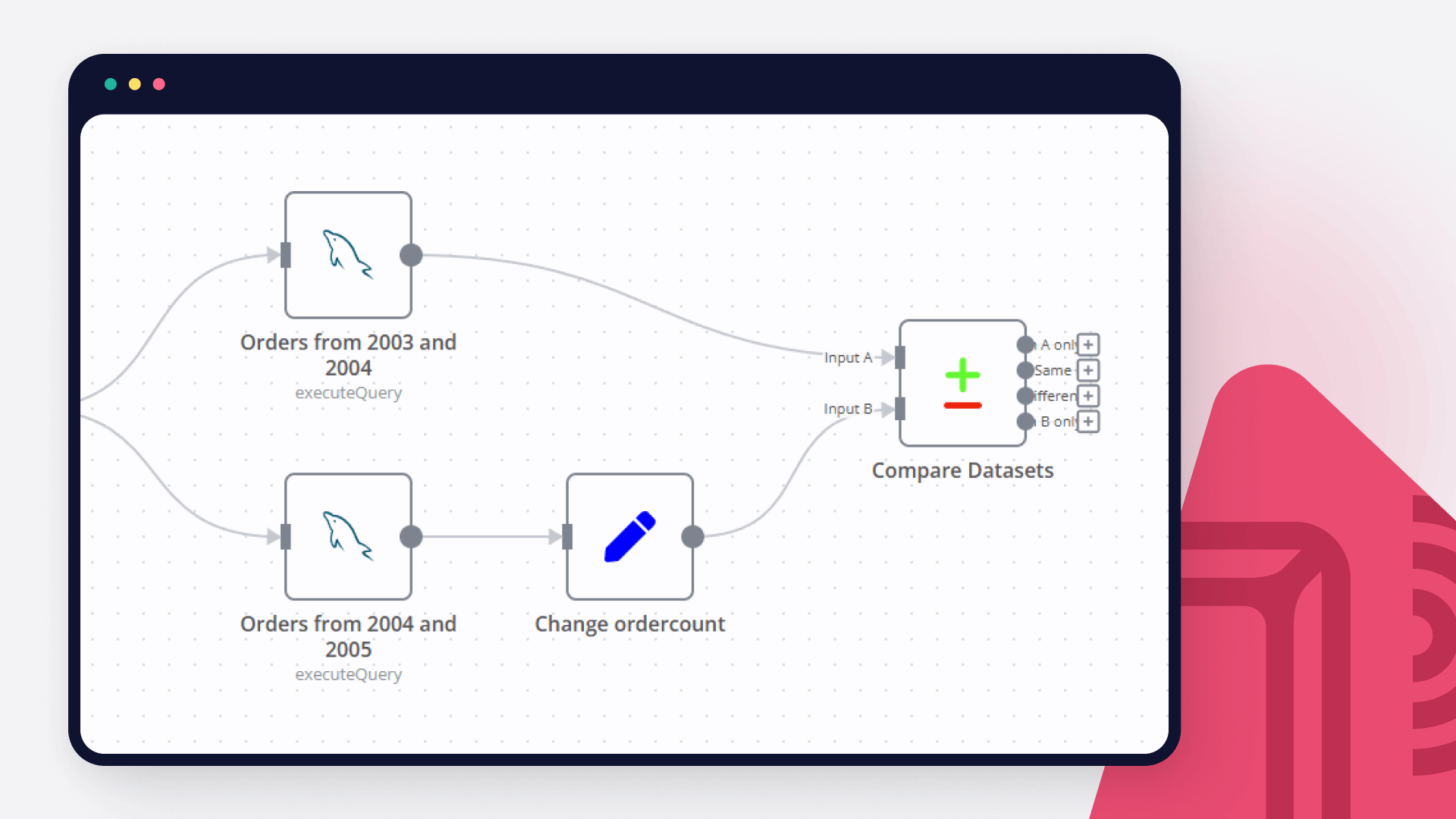
How to compare databases via the Compare Datasets node: a step-by-step tutorial
Learn to compare databases automatically, be it SQL tables or data from your favorite CRM. Grab this step-by-step tutorial with a free customizable workflow!
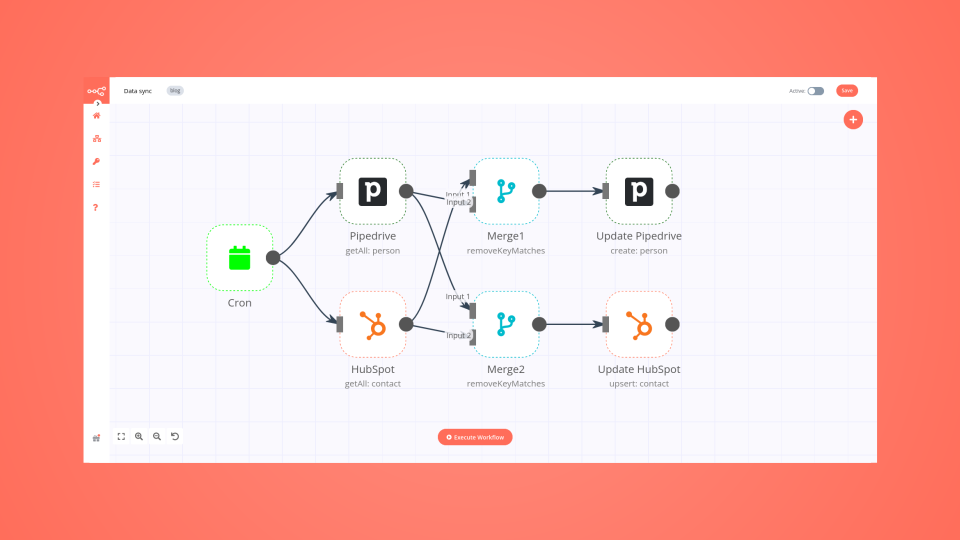
How to synchronize data between two systems (one-way vs. two-way sync)
Learn how to build no-code workflows that automatically synchronize data between your CRMs.
FAQs
FAQ
Can Outscraper work together with Pipedrive in n8n Lab?
Can I use Outscraper’s API with n8n Lab?
Can I use Pipedrive’s API with n8n Lab?
Is n8n Lab a secure option for connecting Outscraper with Pipedrive?
How do I start building Outscraper + Pipedrive automation in n8n Lab?
A widely adopted workflow orchestration workspace trusted by technical teams including





Why use n8n to connect Outscraper with Pipedrive
Build complex workflows, really fast
