Back to integrations
Microsoft SQL and Notion connection
Save yourself the work of writing custom integrations for Microsoft SQL and Notion and use n8n instead. Build adaptable and scalable Development, Data & Storage, workflows that work with your technology stack. All within a building experience you will love.




Ways to connect Microsoft SQL and Notion
Create a new workflow and add the first step
In n8n, click the "Add workflow" button in the Workflows tab to create a new workflow. Add the starting point – a trigger on when your workflow should run: an app event, a schedule, a webhook call, another workflow, an AI chat, or a manual trigger. Sometimes, the HTTP Request node might already serve as your starting point.

Create your own Microsoft SQL and Notion connection
Create custom Microsoft SQL + Notion automations by choosing triggers and actions. Nodes come with global operations and settings, as well as app-specific parameters that can be configured. You can also use the HTTP Request node to query data from any app or service with a REST API.
Microsoft SQL supported actions
Execute Query
Execute an SQL query
Insert
Insert rows in database
Update
Update rows in database
Delete
Delete rows in database
Notion supported actions
Append After
Append a block
Get Child Blocks
Get many child blocks
Get
Get a database
Get Many
Get many databases
Search
Search databases using text search
Get
Get a database
Get Many
Get many databases
Create
Create a page in a database
Get
Get a page in a database
Get Many
Get many pages in a database
Update
Update pages in a database
Create
Create a pages in a database
Get Many
Get many pages in a database
Update
Update pages in a database
Create
Create a page
Get
Get a page
Search
Text search of pages
Archive
Archive a page
Create
Create a page
Search
Text search of pages
Get
Get a user
Get Many
Get many users
Microsoft SQL and Notion connection details
Other integrations with Microsoft SQL


Other integrations with Notion


Microsoft SQL and Notion connection guides
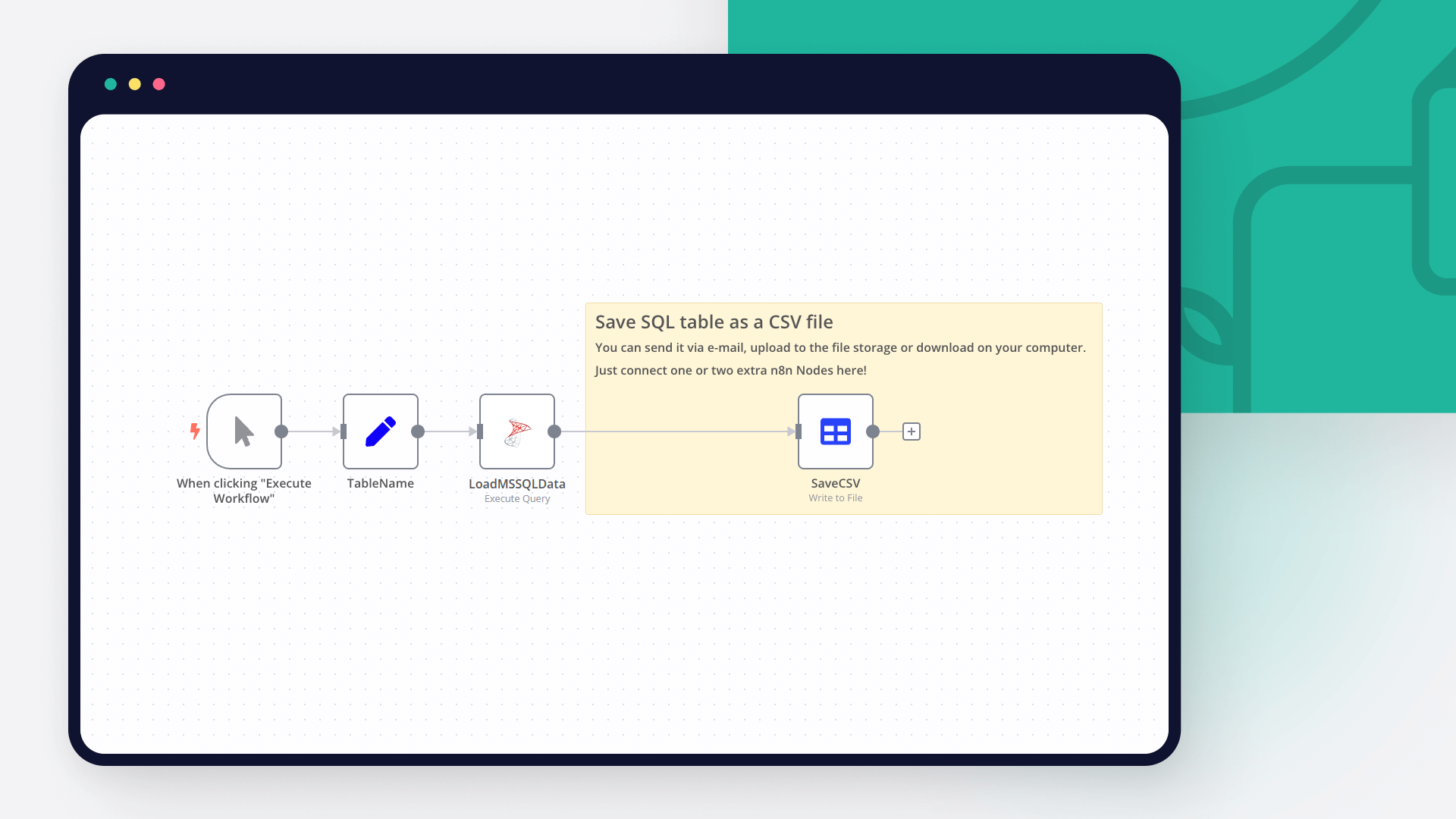
Export data from SQL database to CSV: 3 nifty techniques
Export your SQL data into CSV with 3 nifty techniques: using SQL Server Management Studio, sqlcmd command line utility and n8n automation tool.
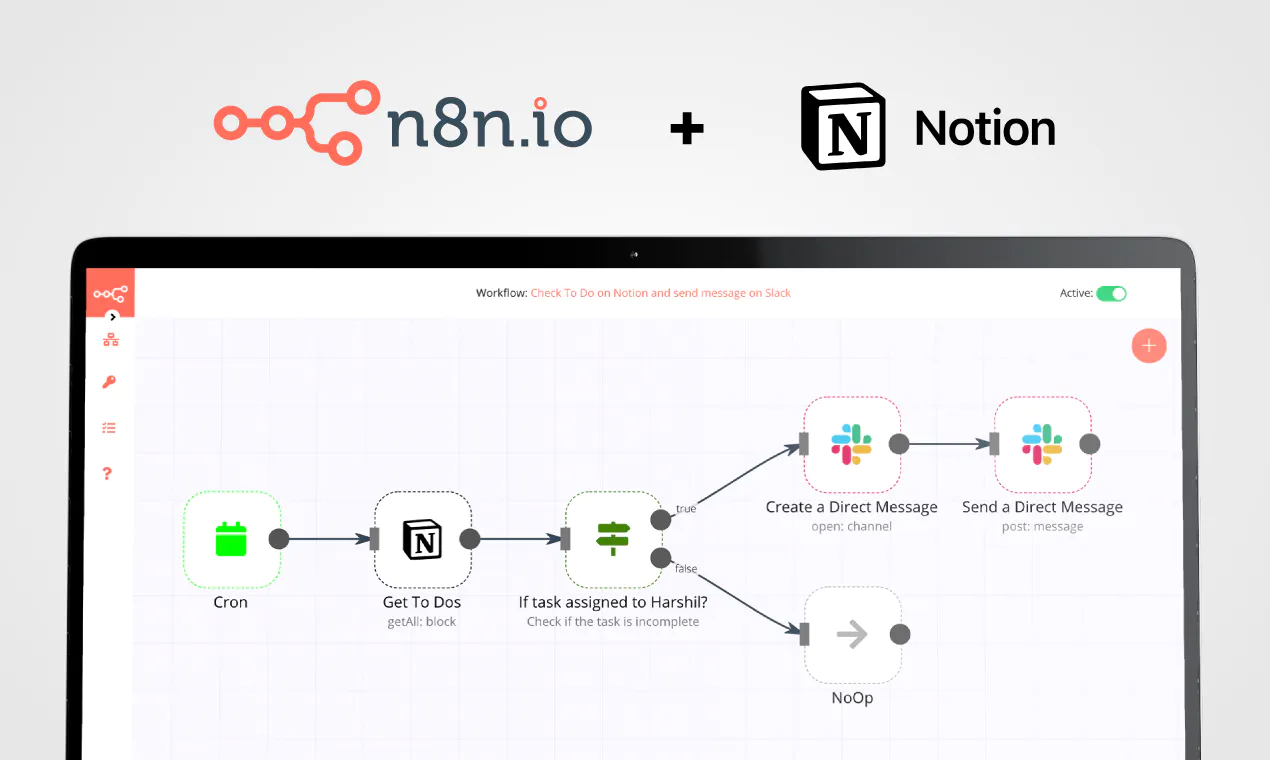
5 tasks you can automate with the new Notion API
Notion's API opens new possibilities. Discover what workflows you can automate now!
FAQs
FAQ
Can Microsoft SQL work together with Notion in n8n Lab?
Can I use Microsoft SQL’s API with n8n Lab?
Can I use Notion’s API with n8n Lab?
Is n8n Lab a secure option for connecting Microsoft SQL with Notion?
How do I start building Microsoft SQL + Notion automation in n8n Lab?
Need help setting up your Microsoft SQL and Notion connection?
Discover our latest community's recommendations and join the discussions about Microsoft SQL and Notion connection.

Notion Node Bug: The relation id "fffbfe90567a-8132-b56d-c3acc1e8eb71" is not a valid uuid with optional dashes
Justin Cheu
The relation id “fffbfe90567a-8132-b56d-c3acc1e8eb71” is not a valid uuid with optional dashes. { "errorMessage": "The relation id \"fffbfe90567a-8132-b56d-c3acc1e8eb71\" is not a valid uuid with optional dashes.", …

Problem activating workflow. NodeAPIError
Cris A. Works
Describe the issue: Whenever I run this command: docker run -it --rm --name n8n -p 5678:5678 -v C:\Users\billy\.n8n:/home/node/.n8n docker.n8n.io/n8nio/n8n Yields in a looping error. It didn’t used to happen before. W…

Notion append block formatting, using loop, still no luck
Oliver Cordingley
Hey, I’m using open AI to write written reports which have a set structure using H2 H3 and bullet points. The output should be delivered inside of a notion database page as an appended block. My output from open AI is ra…

Any way to embed the interactive flow diagrams into notion?
Martin
Is there any way to replicate the way we share templates here on the forum within notion pages? (eg Creating an API endpoint | n8n Lab workflow template) We use notion for documentation purposes and I’d love to be able to u…

Notion Relations ID Error
Liam Skaff
Hello. Recently I’ve been getting this error in my Notion Node when trying to insert an ID in the relations tab. I contacted Notion support and they told me that the problem is from n8n. This is the error I’m receiving…
A widely adopted workflow orchestration workspace trusted by technical teams including





Why use n8n to connect Microsoft SQL with Notion
Build complex workflows, really fast
